
T-Scann 8 - project page
Super 8 / Regular 8 film scanner
Arduino code to Control card
T-Scann 8
-1-
-2-
-3-
-4-
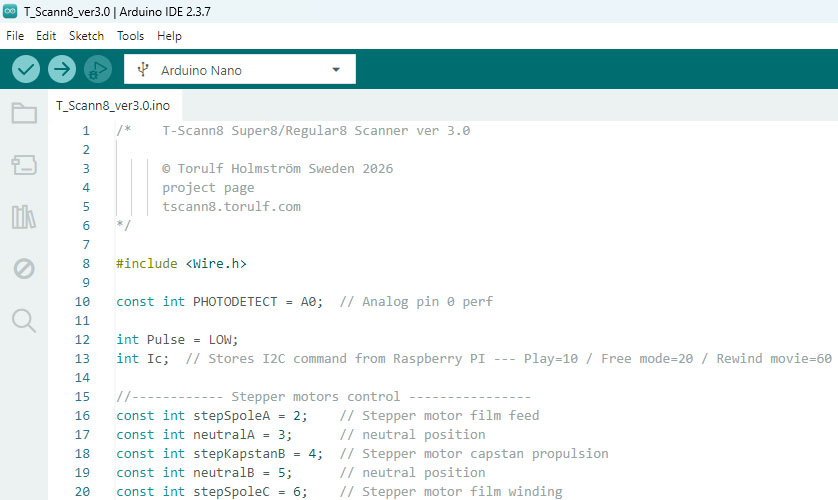
New version 4.0 Download
This must be used to optimize with the Userinterface ver 5
New in this version:
- The value of the phototransistor is sent to Userinterface ver 5
- Better handling of I2C commands
Important: Set Serial plot window to 115200 baud
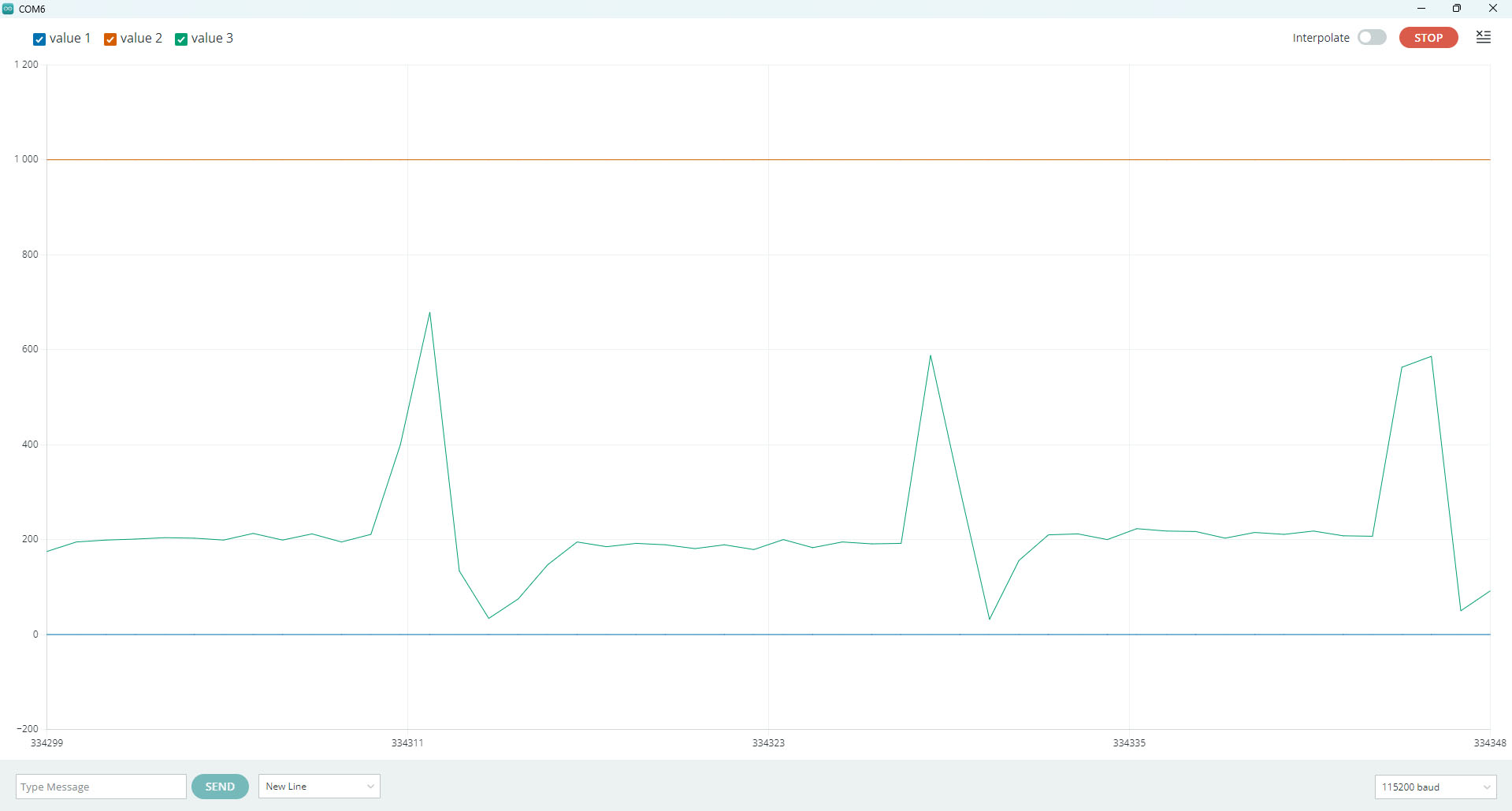
The image (Super 8) above shows the serial port in the Arduino IDE (the program that you use to upload the code to your Arduino Nano). It looks a little strange, but the program code is currently being improved in future updates.
1 - When "measureuP" reaches level 200 (perfLevel), the movie stops and the Arduino sends a signal to the Raspberry Pi to expose 1 frame. Then the Raspberry Pi sends an OK signal to the Arduino to draw the next frame. In this state, the Arduino ignores "measureuP" until 300 steps (super 8) on the capstan wheel have passed. During these 300 steps, there may be a tape seam on the film but it does not stop on it.
2 - This is the end/back edge of the perforation hole. Nothing to worry about but that's how it will be....
3 - This is the darkest part of the film good if this value is as close to 0 as possible If the film is transparent there is program code that takes care of this "Hlevel = 500" instead of "perfLevel = 200;"
4 - When 300 steps have been run + 10 steps, the speed is reduced (See line 470) spedS = 7000; There are about 325 steps between each perforation hole
This happens when you press Start scan:
See line 475 where the program measures the number of steps between 2 frames, if the number of steps is 300 or higher then it is Super 8.
If it is between 280 and 300, then it is Regular 8. The purpose of setting whether it is Super 8 or Regular 8 is to speed up scanning, not slow down the film unnecessarily early. This process may make the first 3-5 frames not drawn with full precision.
Every time the stepper motor starts to pull a new frame, it starts slowly and increases the speed. This is to reduce the risk of the film slipping and thus keeps the same number of steps between each frame. See line 554.
The take-up reel cannot run at the same speed, it is controlled by Traction‐stop (TstopState) The start speed is TstopTime = 9000
every time Traction‐stop is triggered the speed is reduced by +10000 this is a delay the higher the value the slower the take-up reel runs. When 290 steps have passed it stops pulling the film just before the exposure of the frame. This entire process is repeated when a new frame is to be pulled forward.